Skjera
An internal platform for sending event invitations — designed from initial sketches to a product that's actively in use.
Background
Event invitations at work were sent through Outlook, Teams, or Slack. The tools work, but not everyone has access across the organisation, and there was no easy way to get a clear picture of who was actually coming. Skjera was a side project (built during dedicated learning time) to fix exactly that.
I joined from the start and took on the design work. At the time I was working on the design system team, so this was also a chance to use our own system in a real product — which turned out to be a useful way to find its rough edges.
Process
I started with sketches in Figma to establish the core flow: an overview page, an event detail page, and a creation form. The sketches were treated as guidelines rather than source of truth, and I stayed close to the developers throughout implementation (I was also one of the developers). We adjusted the designs when we hit technical constraints or found that something worked differently in practice than it looked on the page.
Working together meant we agreed quickly on what to prioritise for the first version, and avoided large surprises late in the process.
The solution
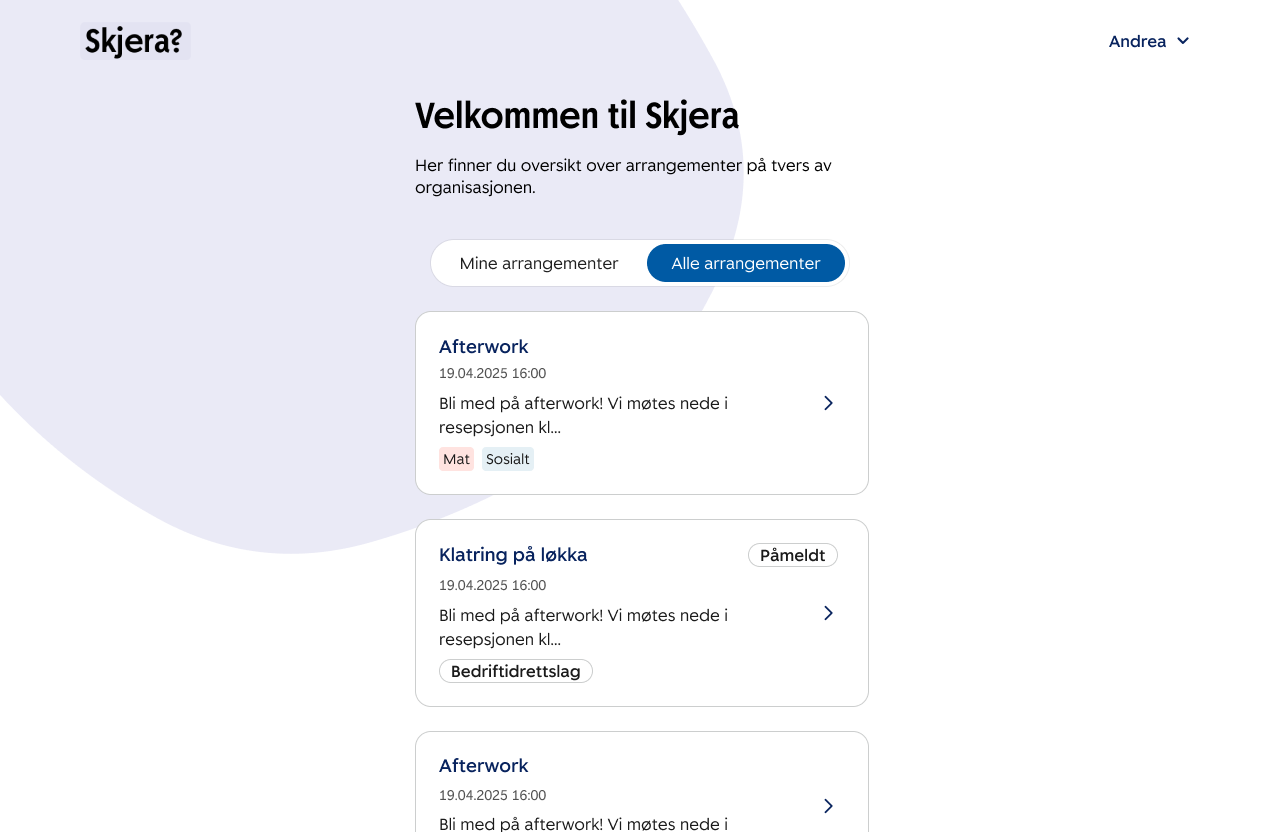
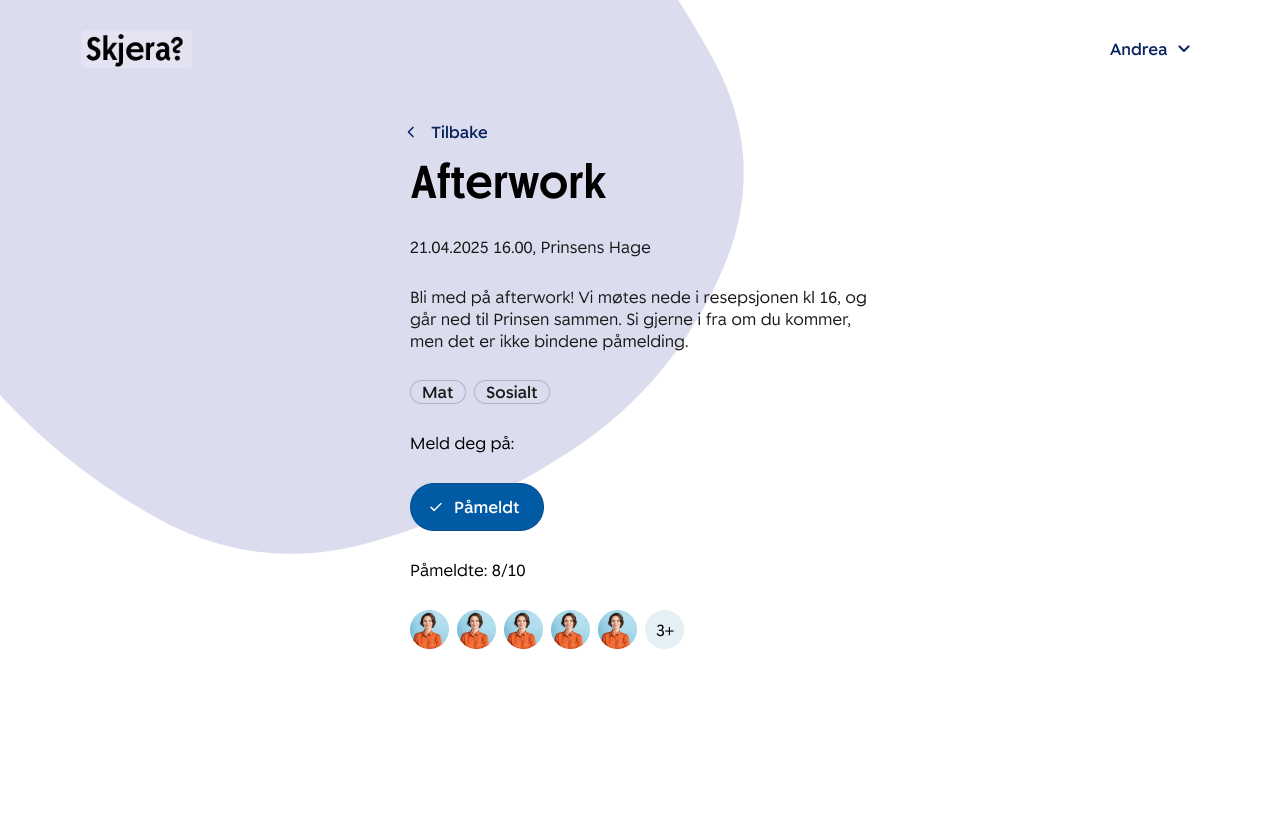
The overview lets you see all events across the organisation, or filter down to your own. Each event has a dedicated page with description, location, time, and a sign-up button. Once registered, you can see who else is coming.
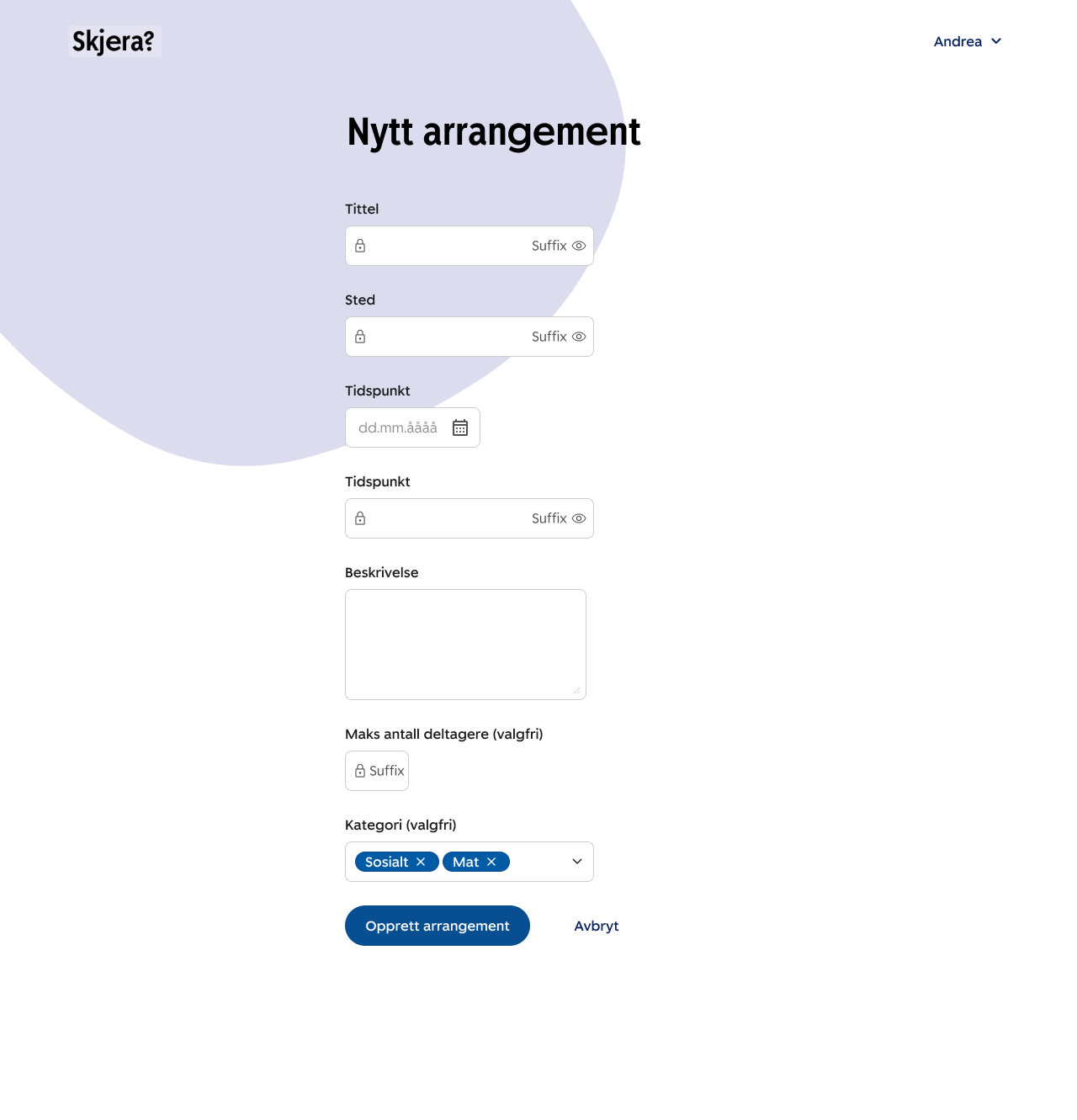
Organisers can create events through a form with support for categories and an optional attendee cap. Later down the line we built a feature to export the names of all attendees in a PDF file. This turned out to be one of the more useful features of the application.
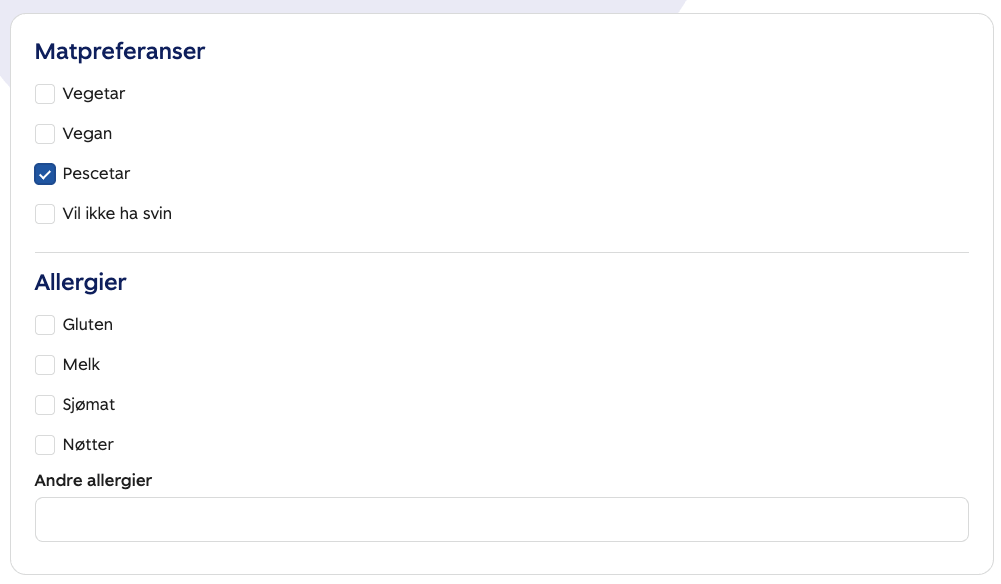
Later, we built a system for dietary requrements, so people didn't have to answer the same question at every event that involves food. We used Tanstack Query to handle saving and making edits to the list, with the "Save" and "Cancel buttons only visible when the user made a change.
Outcome
The platform is actively used and has made organising internal events noticeably easier. Skjera is still a living side project, with little fixes and upgrades still being made.
Design system takeaways
Using our own design system in a real product surfaced things that abstract testing didn't. One of the more interesting observations wasn't technical: I noticed that when something was off or missing, people, myself included, tended to just work around it themselves rather than report it. It was a useful reminder that friction in a design system doesn't always show up as complaints.